
I’ve just repaired the hinge on my Indigo Clamshell. While I was in there, I also replaced the aging hard disk with a SD card adaptor. I wanted to write down a few notes about the process, both for posterity and so that others can benefit from my experience.
The standoffs for the hard disk caddy are brittle. I slightly over-tightened one and it snapped right off. Luckily, it snapped in a way that it would still stand solidly and hold the grounding wire of the charging board. When the Service Source manual says do not overtighten, it means it – as soon as there is the slightest resistance, stop: it’s tight.
I burned a copy of the iBook Software Restore CD from the fabulous archivists at the Garden, so that I could put the original software back on the SD card since it was empty. I used Verbatim CD-R 52x media and burned with an LG SP80NB80 on my Mac Studio.
The disc was readable by the iBook’s optical drive, but only barely; it took five minutes to show the Desktop. I’m not sure if it was the speed at which it was burned, the Verbatim media simply not agreeing with the iBook, or something about the power of the laser in the LG.
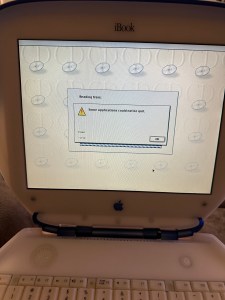

I regularly received “Some applications could not be quit.” when attempting to use Erase, and received “Restoring the software configuration iBook HD.img to volume Macintosh HD failed.” when attempting to use Restore.
I used my Power Mac G5 to read the CD and copy it to a USB key. Specifically, I used:
sudo dd if=/dev/disk3s1 of=/dev/disk2 bs=1048576
A mere 15 minutes later, I had a functional USB version of the iBook Software Restore. I then used a copy of Puma (Mac OS X 10.1.4) to install on the same partition, allowing me to dual-boot the system in both 9 and X. I have a second partition I plan to use to install Jaguar or Panther. I haven’t decided which one yet.
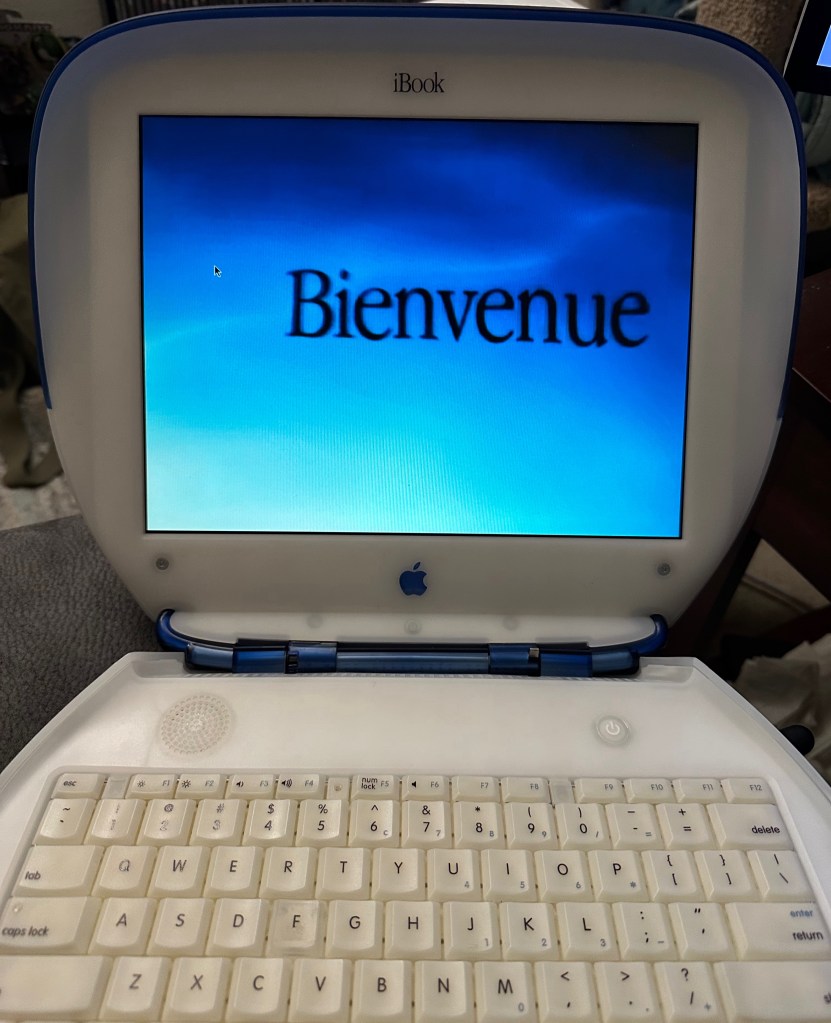
I’ll close with a photo of the iBook being a happy Puma. Until next time, be well!

 The Cat Fox Life